Microsoft Teams Quick Start

Microsoft Teams Quick Start


Get started with Microsoft Teams

Applies To
Paused

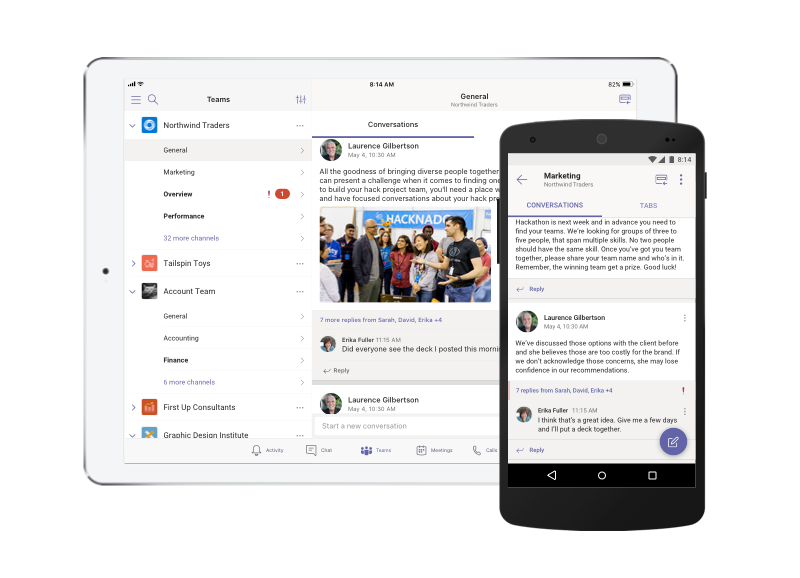
Microsoft Teams is a collaboration app built for hybrid work so you and your team stay informed, organized, and connected — all in one place.

Tip: Get tech expertise with Business Assist. Connect with our small business advisors for help making Microsoft 365 products work for you and everyone in your business. Learn more.

Explore how Teams can help you and your colleagues come together no matter where you are:

  • Chat - Message someone or a group to talk about work, projects, or just for fun.

  • Teams - Create a team and channels to gather people together and work in focused spaces with conversations and files.

  • Calendar - Connect with people before, during, and after a meeting so prep and follow-up are easy to find. This Teams calendar syncs with your Outlook one.

  • Apps - Find familiar apps and explore new ones to simplify, customize, and manage how you work.

Tips

  • Catch up on all your unread messages, @mentions, replies, and more under Activity.

  • Use the Search box to find and filter specific items or people, take quick actions, and launch apps.

Get started now

Get the apps

Want more?

Microsoft Teams help

Microsoft Teams Quick Start

    • Related Articles

    • New Chat and Channels Experience in Teams

      The new chat and channels experience brings all your chats, teams, and channels together. It's now easier than ever to keep track of your conversations with customized views to fit your needs and preferences. Start by deciding how you'll experience ...
    • First things to know about channels in Microsoft Teams

      In Teams, teamwork and communication happen in channels. A channel is a single place for a team to share messages, tools, and files. Channels can be organized by group, project, feature, or whatever else is relevant to you. Team members can adjust or ...
    • How-To - Add shortcuts to shared folders in OneDrive

      When someone shares a folder in Microsoft OneDrive, SharePoint, or Teams, you can add a shortcut to the shared folder in your OneDrive to easily find and work with the files. These shortcuts appear in OneDrive on the web, Windows File Explorer, Mac ...
    • HOW-TO - Syncing a Teams Share to Onedrive

      Warning: This process is being deprecated by Microsoft. Please consider switching to the create shortcut process for any files you would like to have local. How might this functionality be helpful in real scenarios? MS Teams has an ability to ...
    • Viewing Shared Folders in Outlook

      New Outlook View mailboxes or folders shared with you In new Outlook, select Settings > Accounts > Shared with me. From the Shared with me pane, you can see the name of the folder and the person who shared it with you. To view the permissions you ...